
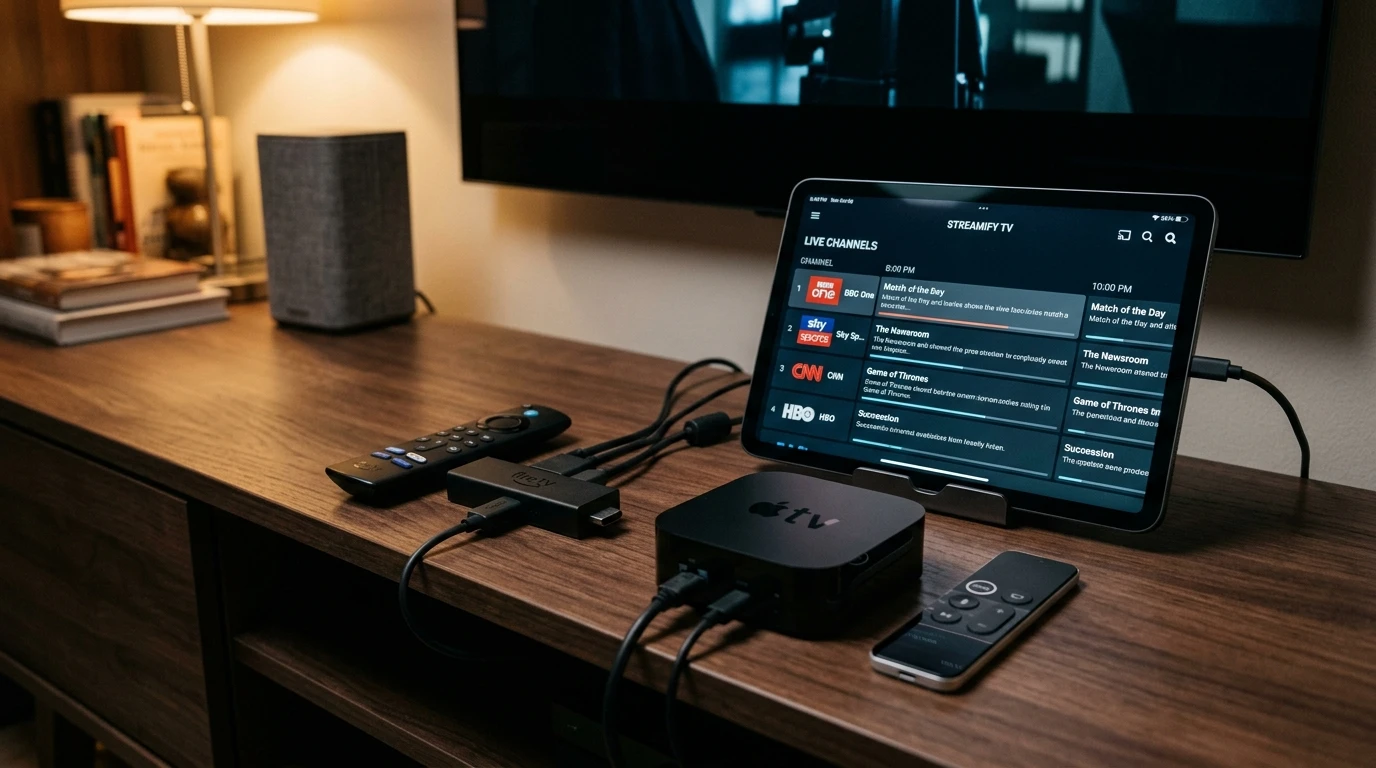
One of the greatest advantages of choosing TVPIKOMA as your IPTV subscription provider is complete device and player freedom. Unlike old-school cable companies that force you to rent an outdated set-top box for $15 every month, TVPIKOMA gives you the flexibility to choose the exact software interface that best fits your television, streaming stick, or phone.
However, with dozens of player applications available on the Google Play Store, Amazon Appstore, and Apple iOS App Store, choosing the right application can feel overwhelming. How do they compare in terms of channel zapping velocity, TV Guide (EPG) rendering, multi-screen functionality, and 4K HDR playback stability?
In this comprehensive benchmark review, the TVPIKOMA testing team analyzes the three undisputed champions of the IPTV world (TiviMate vs IPTV Smarters vs IBO Player) across speed, UI, and 4K playback.
1. TiviMate IPTV Player: The Gold Standard for Android & Firestick
If you stream using an Amazon Fire TV Stick 4K, an Android TV (Sony, Philips, TCL), or an NVIDIA Shield Pro, TiviMate is widely considered the undisputed king of IPTV interfaces.
Why TiviMate Excels with TVPIKOMA
- Cable-Style TV Guide (EPG): TiviMate features the most gorgeous, customizable Electronic Program Guide ever created for streaming. It looks and feels identical to a multi-hundred-dollar satellite box.
- Lightning-Fast Zapping: When paired with TVPIKOMA high-speed European relays, TiviMate changes channels in less than 0.3 seconds.
- Multi-View / Quad-Screen: Want to watch 4 football matches or sports events simultaneously on the same TV screen? TiviMate handles multi-view effortlessly.
- Catch-up & Recording: Seamlessly rewind past broadcasts and schedule live recordings to internal or external storage.
"TiviMate paired with a TVPIKOMA subscription delivers a streaming experience that is cleaner, faster, and more responsive than even the most modern cable hardware."
Verdict: The absolute #1 recommendation for anyone using a Firestick or Android-based streaming device.
2. IPTV Smarters Pro: The Universal Multi-Platform Champion
While TiviMate is primarily tailored for Android TV devices, IPTV Smarters Pro is celebrated worldwide for its unparalleled universal compatibility. Whether you are on Windows, macOS, Android, iOS, or smart television operating systems, Smarters Pro has a dedicated version ready to run.
Key Strengths of IPTV Smarters Pro with TVPIKOMA
- All-In-One Dashboard: Clean visual tiles for "Live TV", "Movies", "Series", and "Catch Up", making it effortless for all family members to navigate.
- Built-in Media Players: Supports ExoPlayer and VLC internal engines, allowing you to easily adjust aspect ratios, audio tracks, and Dutch or English subtitles on the fly.
- Parental Controls: Easily lock specific categories or adult content with a master PIN code to keep younger family members safe.
- Master Search Feature: Instantly search across all 150,000+ live channels and 120,000+ movies by typing an actor's name or show title.
Verdict: The best choice for households that switch between iPhones, laptops, and smart TVs, or for users who value a friendly, Netflix-like interface.
3. IBO Player Pro: The Ultimate Solution for Samsung & LG Smart TVs
A very common challenge faced by cord-cutters is that Samsung Smart TVs (Tizen OS) and LG Smart TVs (webOS) do not run the Android operating system, preventing you from installing APK files.
This is where IBO Player shines as the premier choice. It is officially certified and downloadable directly from the Samsung Smart Hub and LG Content Store without sideloading or external USB thumb drives.
Why We Recommend IBO Player on TVPIKOMA
- Direct App Store Installation: Just turn on your TV, open the App Store, search for IBO Player, and click install in 10 seconds.
- Fast Cloud Activation: You simply provide your TV's MAC Address and Device Key to our WhatsApp team, and your TVPIKOMA playlist is automatically loaded to your TV remotely.
- 4K UHD Hardware Decoding: Fully utilizes Samsung and LG's dedicated image processing chips to deliver stunning HDR color reproduction and smooth frame rates.
Verdict: The unquestioned winner for direct installation on Samsung and LG TVs without needing to buy an external Firestick.
Head-to-Head Feature Comparison Table
| Feature & Capability | TiviMate Player | IPTV Smarters Pro | IBO Player Pro |
|---|---|---|---|
| Best Platform | Firestick & Android TV | Android, iOS, PC, Mac | Samsung & LG Smart TVs |
| Channel Zapping Speed | Ultra-Fast (0.3s) | Fast (0.7s) | Fast (0.6s) |
| TV Guide (EPG) Interface | ★★★★★ (Best in class) | ★★★★☆ (Clean & functional) | ★★★★☆ (Modern grid) |
| VOD Cinema Browsing | ★★★★☆ (Good) | ★★★★★ (Netflix-like tiles) | ★★★★☆ (Grid posters) |
| Multi-View (Split Screen) | Yes (Up to 9 screens) | Yes (Up to 4 screens) | No |
| Installation Complexity | Medium (Downloader app) | Easy (Direct Store/APK) | Very Easy (Native Store) |
| Recommended for TVPIKOMA | 100% Recommended | 100% Recommended | 100% Recommended |
How to Connect Any of These Apps to TVPIKOMA
Regardless of which application you choose, connecting your TVPIKOMA account takes less than 90 seconds using our high-speed Xtream Codes API gateway:
- Open your chosen application and select "Add Account" or "Login with Xtream Codes".
- Enter any label for Account Name (e.g.,
TVPIKOMA VIP). - Paste the Server URL provided in your welcome email.
- Enter your unique Username and Password.
- Click Connect / Login, and allow the app to synchronize your live channels and movie posters.
For complete visual walkthroughs with screenshots for each individual device, check our dedicated Step-by-Step Installation Guide.
Get Your TVPIKOMA Credentials Now
Pair your favorite streaming app with the industry's most reliable high-speed IPTV server. Over 150,000 channels, 4K sports, and instant 1-minute delivery.
Choose Your TVPIKOMA Package TodayRelated Articles You Might Like
What is TVPIKOMA and How Does it Work? Complete 2026 Guide
Beginner's guide to IPTV protocols, M3U playlists, and anti-freeze servers.
Best TVPIKOMA for Live Sports: Watch Premier League & F1 in 4K
How to optimize your IPTV setup for 60fps sports and UFC PPV.